
A self-custody crypto card with no monthly fee and no physical plastic
 Available in US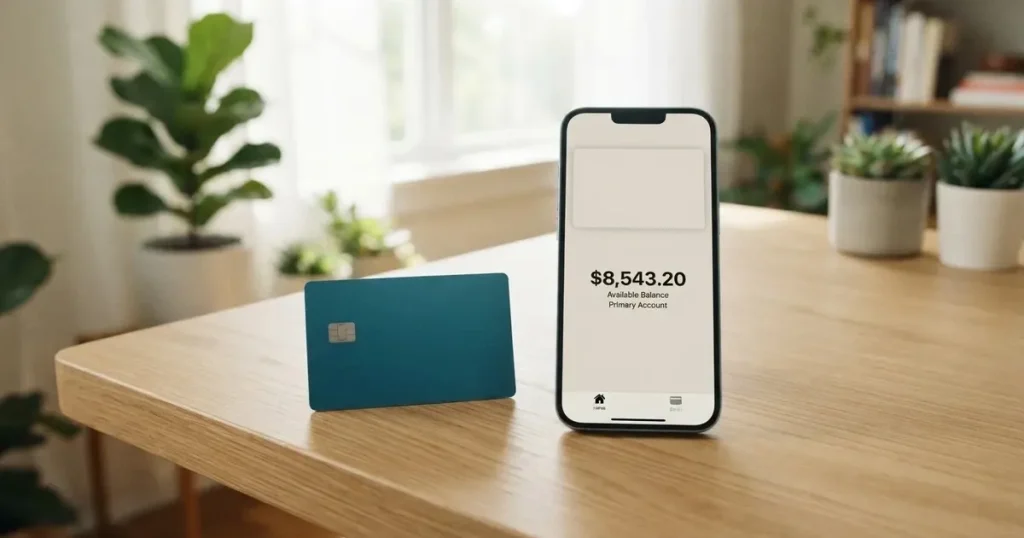
The MiniPay card is a digital Visa that spends straight from a self-custodial crypto wallet. There is no issuance fee, no monthly fee and no card fee, and the balance stays in your own wallet until the moment you pay. That combination is unusual: most crypto cards either charge a monthly subscription, hold your funds for you, or ship a piece of plastic. MiniPay does none of those three. What you get instead is a card that exists only in your phone’s wallet, works only where digital Visa is accepted, and hands your spending to a small number of named issuers in Europe.
I scored it 7.4 out of 10. That is a good score for a card with no recurring cost, but not a great one for everyday use, and the gap between those two facts is the whole story.
Who should look at this card: people who already hold stablecoins in a self-custody wallet and want to spend them without handing over their keys to an exchange or a card issuer. Who should look past it: anyone who needs a physical card, someone who takes money out of cash machines regularly, and anyone who needs a published, fixed fee schedule before committing.
The conditions described here are current as of October 28, 2026.
The score at a glance
The scoring below breaks the card into the things that actually decide whether it works for you. Each row is one criterion, its mark out of ten, and my reason in one line.
| Criterion | Mark | Why |
|---|---|---|
| Who can get it | 7 / 10 | “Selected markets” in the EEA, Africa, Latin America and Southeast Asia; the sign-up form offers about 80 countries plus “Other” |
| Cost | 9 / 10 | No issuance fee, no monthly fee, $0 deposit fees, no card fee; Visa exchange rates can apply to non-USD purchases |
| Top-up options | 7 / 10 | Spends directly from a self-custodial wallet; starting data says USDT, USDC and cUSD on Celo, not itemised on the page |
| Reliability and complaints | 8 / 10 | Issuers named: Monavate Ltd (FCA, FRN 901097) and UAB Monavate (Lithuania), under a Visa Europe licence; the programme manager Gnosis Pay sits at 2.1 from 24 Trustpilot reviews |
| Everyday use | 5 / 10 | Digital Visa only, Apple Pay and Google Pay available, no physical card, ATMs not covered |
| Total | 7.4 / 10 | Strong on cost and custody, weak on the physical and cash side of daily life |
A 9 for cost and a 5 for everyday use is not a contradiction. The card is exceptionally cheap to hold and rather limited to use, and both facts come from the same decision: there is no plastic, so nothing to ship, charge or service.
Will they give you the card
Yes, in a lot of places — but not everywhere, and not on a promise.
MiniPay describes availability as “selected markets” in the EEA, Africa, Latin America and Southeast Asia. No country list is published. The sign-up form lists about 80 countries plus an “Other” option, and the app’s own line is that “if your country is supported, onboarding appears in the card tab”. So the honest version is: you find out by trying, and the app is the only published list.
One thing the card does not say is what basis eligibility rests on — citizenship, residence, or both. The public pages don’t state it. That matters more than it sounds. Issuers apply screening to nationality and country of birth as well as to the address, because sanctions rules and internal risk policy work that way. Someone who lives in a supported country but holds a passport from a restricted region may be refused at verification even though their country appeared in the sign-up form.
| What the card states | Detail |
|---|---|
| Regions named | EEA, Africa, Latin America, Southeast Asia |
| Country list | Not published; about 80 countries in the form plus “Other” |
| Basis for eligibility (citizenship, residence) | Not stated |
| KYC levels offered | Not stated |
If you are in one of the four named regions, the odds are good. If you are elsewhere, the form may still let you start, and the refusal will arrive later at verification, which is the worst possible moment to find out.
How to get it
The route is the app, and identity verification is part of it. MiniPay’s own wording is that “identity verification depends on your country and the card program’s requirements. The app walks you through it”. Which documents you need, whether proof of address is required, and what age floor applies are all things the public pages do not state — so treat whatever the app asks for as the actual answer rather than expecting a fixed list.
There is no plastic to wait for and no delivery to track. The card is digital only, it is a Visa, and it settles in USD. The onboarding line in the card tab means the whole flow happens inside the wallet app, which is an Opera product.
Fees: what it really costs
The headline numbers are excellent, and then the caveats start. Here is everything the card publishes, in one place.
| Fee or limit | What the card says |
|---|---|
| Issuance | No issuance fee |
| Monthly | No monthly fee |
| Card fee | “MiniPay charges no card fee, but Visa exchange rates may apply to non-USD purchases” |
| Deposit / top-up | “$0 deposit fees” when funding from other wallets |
| FX | No card-side fee named; the Gnosis Pay blog mentions a “low nominal FX fee” with no amount given |
| ATM | The FAQ does not cover cash machines; the Gnosis Pay blog mentions “an ATM withdrawal fee” with no amount |
| Tiers | One only, none described |
| Currency | Settlement in USD; non-USD purchases subject to Visa exchange rates |
| Spending limits | “Spending limits may apply. You can view them in the app” — no amounts published |
Two everyday payments, so the abstraction becomes concrete.
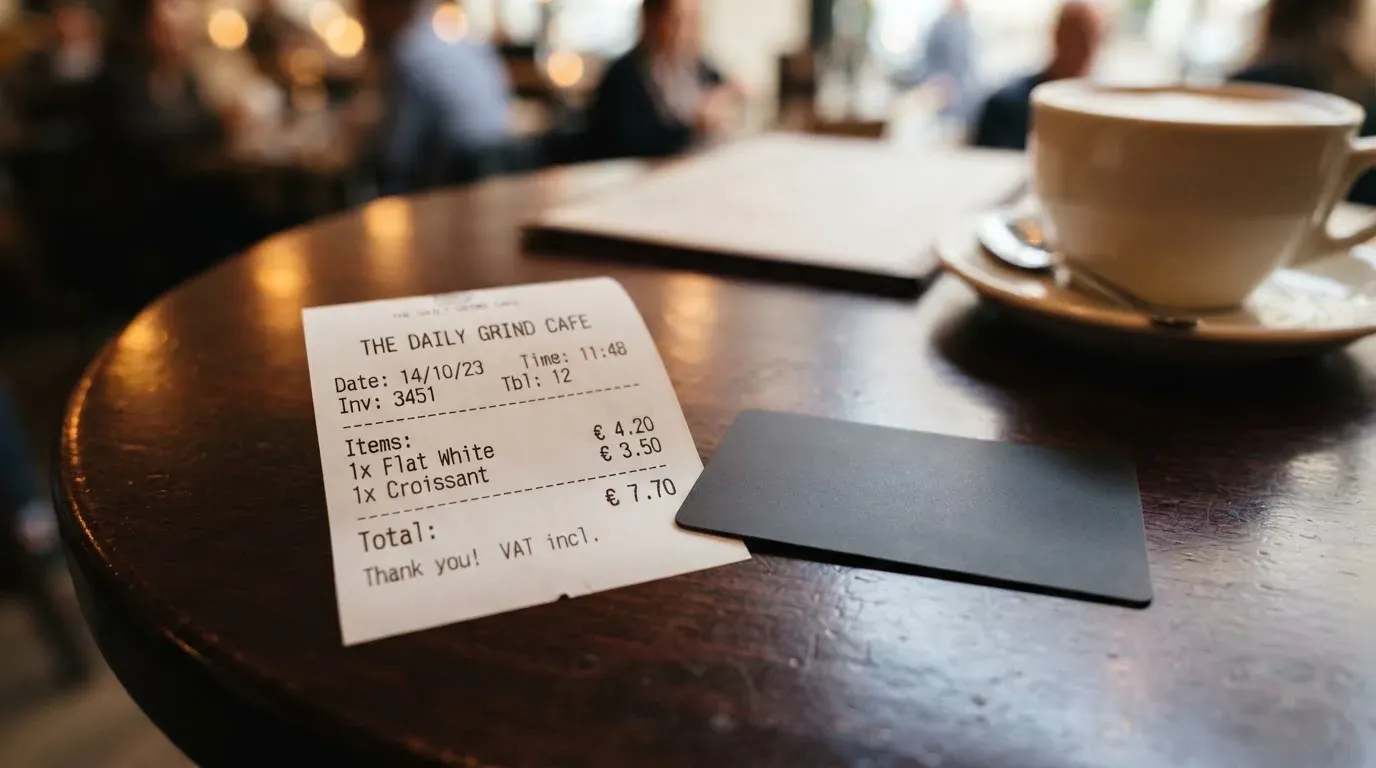
Buying coffee in a country that uses euros, card balance in dollars: the card adds no fee of its own, but Visa’s exchange rate applies, and the rate is not published anywhere in MiniPay’s own material. Whatever spread Visa carries on that day is what you pay. This is the normal arrangement for any dollar-settled card abroad, and it is the single largest hidden cost in this product.
Funding from another wallet with stablecoins: the card states “$0 deposit fees”. What it does not state is who pays the network fee for the transfer, or what the minimum is. On-chain network fees are charged by the blockchain, not by the card provider, so something has to be true here — either the transfer is sponsored, or you pay the gas yourself from a small balance of the chain’s own token. The card does not say which, so plan for a small ETH or equivalent on hand if you are sending on a network that requires it.
A cash withdrawal is the third case and the weakest: the FAQ simply does not cover it, and the card is digital-only in any case, so a machine needs a digital wallet to accept the card first. If cash machines are part of your life, treat this as a gap rather than a fee question.
Top up: how money gets in
Top-ups are the easy part, and that is genuinely the card’s best feature after price. The money goes straight from your own wallet into spendable balance; the card states you can top up from the MiniPay balance or from any wallet, and that it is spendable on arrival.
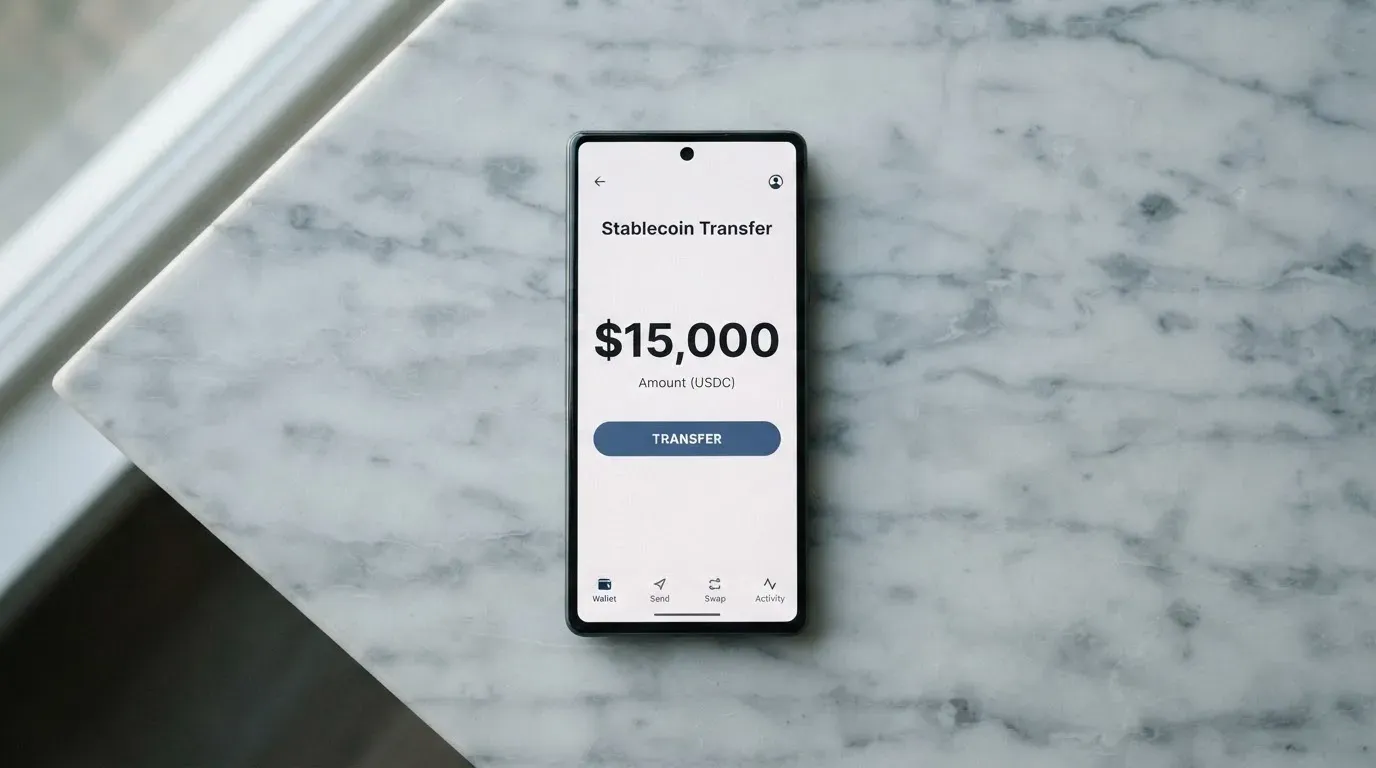
The coin and network list is the weak spot. Starting data names USDT, USDC and cUSD on Celo, but those are not itemised on the page itself. That matters more than usual here, because sending on the wrong network is one of the few ways to lose money outright with a card like this — blockchain transfers are irreversible, and a deposit on an unsupported network, or to an address belonging to another network, can be gone or can need manual support recovery with no guarantee attached.
So the practical rule is the same one that applies to any self-custody transfer: check the network on both sides before you send, and keep a little of the chain’s native token for gas if the network charges it.
| Top-up route | What applies |
|---|---|
| From the MiniPay balance | Spendable on arrival |
| From any external wallet | $0 deposit fees; network-fee payer and minimum not stated |
| Coins and networks | Starting data: USDT, USDC, cUSD on Celo — not itemised on the page |
| Getting cash back out to local currency | Through third-party ramp partners; fees not stated |
Getting money back out is the part I would ask about before committing real sums. Debit card spends draw only on available balance, but converting to local currency goes through third-party ramp partners, and neither the fees nor what happens to a remaining balance at closure are stated. If your plan involves cashing out, that gap is worth resolving in the app before you fund it.
Paying with it every day
Two things work well: Apple Pay and Google Pay, set up in under a minute, and spending straight from the wallet balance without a separate conversion step. The card is a prepaid model in effect — it spends only the balance you hold and cannot overdraw.
Two things are weaker. There is no physical card, which removes the fallback when your phone dies, your battery dies, or the merchant’s terminal refuses a digital wallet. And the reward structure is unusually slow to pay out.
The rewards run up to 5% on qualifying purchases, paid in digital gold (Tether Gold) and stablecoins, and the FAQ also cites 5%. Three things to hold in mind. The payout is monthly, and it can take 30 to 60 days to arrive. Pending transactions, refunds, excluded-category purchases and spending over the cap may not qualify. And the terms and conditions apply on top, which is where the qualifying list lives.
| Everyday feature | Status |
|---|---|
| Apple Pay, Google Pay | Supported, “under a minute” to set up |
| Physical card | None |
| Blocked merchant categories | Not stated (cashback excludes “excluded-category” transactions) |
| Rewards | Up to 5% on qualifying purchases, in digital gold (Tether Gold) and stablecoins, paid monthly, 30–60 days |
| App | MiniPay wallet app (Opera); store ratings not read, the store pages did not load on 2026-10-21 |
| Disputes | Freeze the card in the app, review activity, contact support; refunds usually return to the original card, timing depends on merchant and issuer |
On disputes, the path is ordinary and sensible: freeze, look at the activity, contact support through the app. Refunds usually go back to the original card, and how long that takes is up to the merchant and the issuer, not you.
What can go wrong
Start with the structural point, because it is the one most reviews skip. A crypto card involves three separate parties: the network (Visa) routes the messages and sets the rules, the issuer (Monavate) holds the actual licensed card programme, and the crypto brand is often just a programme manager and a front-end. For MiniPay the wallet provider is Blueboard Limited (Opera), the programme manager is Gnosis Pay — which says of itself that it is not a bank or a regulated payment provider — and the issuers are Monavate Ltd (England and Wales, an FCA-regulated e-money institution, FRN 901097) and UAB Monavate (Lithuania, authorised by the Bank of Lithuania, LB002139), issued under licence from Visa Europe Limited.
Naming real issuers is the mark of a legitimate programme. It also tells you where a complaint lands.
I found no official incident involving MiniPay, and no MiniPay-specific reviews at all. What does exist is for the programme manager: on Trustpilot (Swedish page), Gnosis Pay shows 2.1 from 24 reviews, read on 2026-10-21. The complaints described are about support, about KYC being handled by a third party, and about a slow fraud dispute. Those are user reports, and the review dates are not shown, so treat them as signals rather than a pattern.
Here is the risk list as I would rank it for someone deciding today:
- No reviews of its own. With no MiniPay-specific review history, you have no user evidence to lean on. The 8 for reliability and complaints reflects named issuers and a named regulatory status, not a track record.
- Support is through the app only, and languages and hours are not stated. If your app flow stalls, your fallback is thin.
- Lost phone. The card can be frozen and unfrozen instantly in the app, and the documented route for a lost phone is an email to the address in the FAQ with the subject “Lost Phone – Freeze Card”. That is a manual process, and it depends on you finding the address in the app before you lose access to it.
- Two-factor authentication is not stated. The card’s stated safeguards are self-custody, instant freeze, and spending limits visible in the app. Whether 2FA exists is not something the public pages say.
- Lost or frozen funds on the wrong network. Irreversible, and recovery is manual with no guarantee.
- Declines. A digital Visa wallet can be refused by some merchants, and a dollar-settled card can look foreign to some terminals. Holds from declined authorisations can also sit for several days.
- Programme risk. Visa can suspend a programme. History is not theoretical: Visa terminated its global agreements with FTX on 13 November 2022 and the FTX US debit card was wound down by its issuer; WaveCrest, a Visa issuer that supplied crypto card brands, was suspended by Visa in Europe in 2018 and all WaveCrest-issued Visa programmes closed.
On custody specifically: with self-custody, your balance stays in your wallet until the moment you pay, and nobody can move it. But that also means nobody can restore it. Key loss, phishing and clipboard-hijacking malware that swaps a copied address are entirely your problem — and blockchain transfers have no built-in recovery.
What to take instead
Three alternatives came up in the same review process. Scores are from the same exercise, so the comparison is on one scale.
| Alternative | Score | Shape of the offer |
|---|---|---|
| MetaMask | 7.1 / 10 | Mastercard, virtual free or $199/year metal; 1% cashback, up to 3% on metal for the first $10,000; sign-up in 45 listed countries |
| KAST | 6.1 / 10 | Virtual and physical Visa, tiered by membership ($0, $1,000, $10,000 a year); 0% card fees, 0.5%–1.75% FX |
| TokenPocket | 5.8 / 10 | Visa in Europe, Mastercard elsewhere; 1% fee on crypto deposits, partly refunded through rewards; on Arbitrum |
MetaMask is the closest competitor and the one I would look at first if a physical card is not a dealbreaker for you. It issues a virtual card instantly and a metal card by pre-order after approval, one card per user, from Monavate as issuer with Crypto Life as card provider. The virtual card is free with no annual or maintenance fee; metal is $199 a year. Fees are described as a “minimal fee for each transaction” with no amount published on the pages I read, no additional MetaMask fees, and no foreign transaction fee — Mastercard’s rate applies. Sign-up is open in 45 listed countries and territories, proof of residency is required, US and UK sign-ups are temporarily closed, and other regions join a waitlist. Ineligible regions limit sign-ups, not spending. Spending draws from the connected wallet on Linea, Base, Monad and Solana, with mUSD, wETH, EURe, GBPe, USDC and USDT named. Solana-only wallets cannot withdraw credit.
KAST is the one with the transparent pricing, and if you hate unknown fees its fee table is the clearest of the three. Stablecoin top-up 0%, card spend in USD 0%, transaction fee 0%, Apple and Google Pay 0%. What it charges is FX: 0.5% to 1.75% depending on your residence country, the transaction country and the card programme; 0.10 USD on non-USD transactions under 25 USD; 0.50 USD for a declined transaction on insufficient balance. Membership is Standard at 0 USD, Premium at 1,000 USD a year and Private at 10,000 USD a year, billed annually upfront, with a 1 USD a month inactivity fee after 12 months and renewal or reactivation fees of unstated amounts. Standard physical cards carry a 0 USD card fee plus 40 USD delivery. Cashback runs 1.5%, 2% or 3% by tier, capped at the first $2,000, $10,000 or $40,000 a month. Its eligibility rules are the strictest here: residence list shown at KYC, citizenship and ID matter separately, dual citizens with an ID from a supported country may pass, and a VPN does not bypass anything.
TokenPocket scores lowest and the reason is structural: a 1% fee on crypto deposits into the card. It says that fee is later refunded through rewards and reduced transaction fees, and that apart from the NFT creation fee — partly covered by TokenPocket, the user pays “a small portion” — the card charges nothing else. Visa covers a list of European countries and territories, Mastercard covers Australia, Canada, Hong Kong, Japan, Taiwan, New Zealand, Singapore, South Korea and the UK, with the Americas planned for Q2 2025. It runs on Arbitrum, with balances in EUR24 and USD24.
Across all of them, one background fact is worth holding. Visa and Mastercard do not issue crypto cards to consumers themselves; they license issuers, and they can suspend a programme. And a card is regulated separately from the crypto side — a crypto card often depends on two licences, one for the payment service and one for the crypto activity.
Who I would recommend it to
I would recommend MiniPay to someone in a supported region who already keeps stablecoins in a self-custody wallet, wants to spend them at ordinary shops, and has made peace with having no plastic and no cash option. For that person it is close to ideal: no monthly cost, no issuer holding your balance, and money that is spendable the moment it lands.
I would not recommend it to you if any of these are true:
- You need a physical card as a backup. There isn’t one.
- You use cash machines. The FAQ doesn’t cover them.
- You need to know the FX cost before you spend. Visa’s rate is not published by the card.
- You plan to cash out to local currency often. That runs through third-party ramp partners with unstated fees.
- You want cashback in your pocket this month. Payout is monthly and can take 30 to 60 days.
- You need a phone-free payment method. Apple Pay and Google Pay are the whole of it.
The honest summary is that MiniPay optimises for cost and custody and accepts daily-use friction in exchange. At 7.4 out of 10 that is a good bargain, provided the friction falls in places you never go.
Frequently asked questions
What is the MiniPay card?
MiniPay is a digital Visa card that spends directly from a self-custodial crypto wallet rather than from a bank account. The balance stays in your own wallet until the moment you pay, so no exchange or card issuer holds your funds for you. It is Visa-branded, settles in USD, and exists only in your phone — there is no physical plastic version, only Apple Pay and Google Pay.
Is MiniPay a bank, and who actually issues the card?
No. Gnosis Pay manages the programme and states that it is not a bank or a regulated payment provider. The licensed issuers are Monavate Ltd, an FCA-regulated e-money institution in England and Wales with FRN 901097, and UAB Monavate in Lithuania, authorised by the Bank of Lithuania as LB002139. The wallet app comes from Blueboard Limited, an Opera company. The card is issued under licence from Visa Europe Limited.
Which countries can get the MiniPay card?
MiniPay names “selected markets” in the EEA, Africa, Latin America and Southeast Asia, and publishes no country list. The sign-up form offers around 80 countries plus an “Other” option, and onboarding appears in the app’s card tab if your country is supported. Whether eligibility follows citizenship, residence or both is not stated — and nationality is screened separately from address, so holding an ID from a restricted region can still block an application.
Does the MiniPay card require KYC, and what does it cost?
Yes — identity verification is part of the signup, and MiniPay says the requirement depends on your country and the card programme, with the app walking you through it. The documents needed, proof of address and age requirements are not stated publicly. On cost, there is no issuance fee, no monthly fee and no card fee, and top-ups from other wallets carry $0 deposit fees; Visa exchange rates may apply to non-USD purchases.
How do I top up the MiniPay card, and which coins work?
You can top up from the MiniPay balance or from any external wallet, and the funds are spendable on arrival. Starting data names USDT, USDC and cUSD on the Celo network, though those are not itemised on the page itself, so check the network shown in the app before sending. Deposit fees are $0, but who pays the on-chain network fee and what the minimum is are not stated — blockchain transfers are irreversible, so a wrong network can mean lost funds.
What rewards does MiniPay offer, and when do I get them?
Up to 5% back on qualifying purchases, paid in digital gold (Tether Gold) and stablecoins rather than cash. Payout is monthly and can take 30 to 60 days to arrive. Pending transactions, refunds, excluded-category purchases and anything over the cap may not qualify, and the terms and conditions hold the full qualifying list. The card does not publish which merchant categories are excluded.
Can I use MiniPay at a cash machine or in a shop?
In a shop, yes — it is a Visa and works wherever digital Visa is accepted, with Apple Pay and Google Pay set up in under a minute. At a cash machine, treat it as a gap. MiniPay’s FAQ does not cover withdrawals, the Gnosis Pay blog mentions an ATM withdrawal fee without giving an amount, and the card is digital-only, so the machine has to accept a digital wallet. Spending is limited to your available balance and the card cannot overdraw.
Is the MiniPay card safe?
The design is safer than a custodial card in one important way: your balance stays in your own wallet until you pay, and you can freeze and unfreeze the card instantly in the app. The counterweight is that nobody can restore it — key loss, phishing and clipboard-swapping malware are entirely your responsibility. Two-factor authentication is not stated, and support runs through the app with languages and hours unstated. There are no MiniPay-specific reviews to lean on; the programme manager’s Trustpilot page shows 2.1 from 24 reviews.
What happens if a payment is disputed or refunded?
The documented route is ordinary: freeze the card in the app, review the activity, and contact support through the app. Refunds usually return to the original card, and the timing depends on the merchant and the issuer rather than the card. A lost phone has its own procedure — email the address in the FAQ with the subject “Lost Phone – Freeze Card”, so it is worth finding and saving that address now rather than in the moment.
Is the MiniPay card worth it?
It is worth it if you already hold stablecoins in a self-custody wallet and want to spend them with no monthly charge and no issuer custody, particularly in a supported region. It is less obviously worth it if you need physical plastic, use cash machines, cash out to local currency often, or need the FX rate published in advance. Against MetaMask, KAST and TokenPocket, MiniPay leads on cost and trails on published fee transparency and on physical-card options.
Wallet cards put to the test – cryptocardtested
Content created by the «cryptocardtested» team